Coming Soon·Join the waitlist to be the first to know.
Join WaitlistYour dev machine, anywhere.
tedigo-console connect shares your Claude Code session to any browser. tedigo-console tunnel 3000 my-api exposes your localhost at https://my-api.tunnel.tedigo.com — same subdomain, every session. Starter $12 / Team $10 / Scale $9 per user/mo. Enterprise at 50+ seats.
Two commands. Two ways to leave your desk.
One CLI. Install once with curl -fsSL console.tedigo.com/install.sh | sh.
Remote Terminal
Drive Claude Code from any browser.
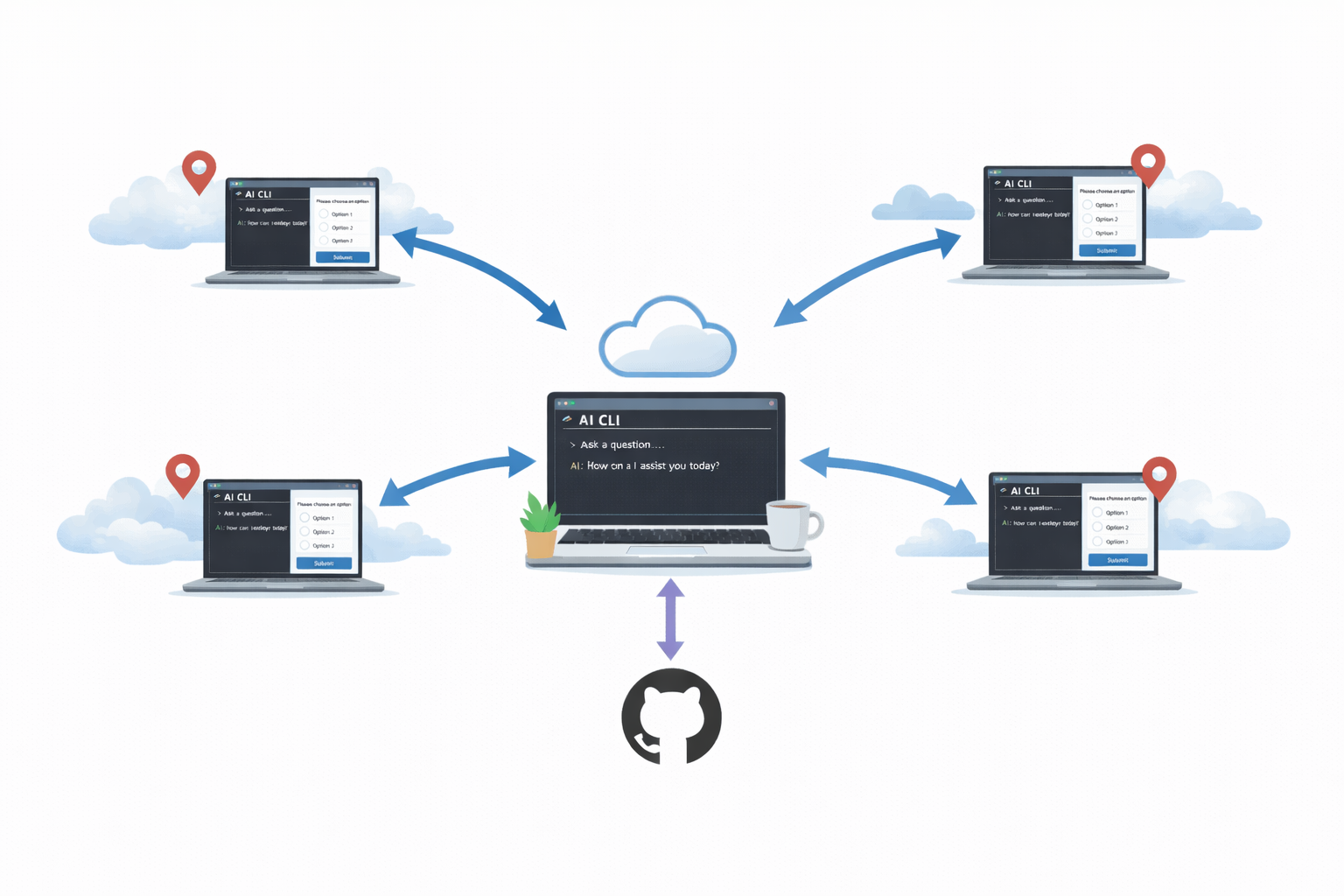
Share your running Claude Code, Codex, or Cursor session to a browser tab anywhere. Your CLI stays authenticated on your machine.
- ✓ Claude Code, Codex, Cursor
- ✓ Multi-session tabs, live in the browser
- ✓ Works through NAT and firewalls — no SSH, no VPN
HTTP Tunnels
Put localhost on the public internet.
Expose any local port at a public HTTPS URL. Demo a feature, test a webhook, share a dev build — without deploying.
- ✓ HTTPS wildcard — no TLS config
- ✓ Pick your subdomain, keep it every session
- ✓ Access-token protection, built in
Priced as a suite, not as a discount race.
Three named tiers with a real feature ladder: Starter $12/user for the first four seats, Team $10/user with audit + SSO, Scale $9/user with priority support and 90-day retention. Enterprise at 50+ seats or any compliance ask.
- Three tiers with a real feature ladder
- Starter $12 / Team $10 / Scale $9 per user/mo. Each tier adds real capability — more devices, more concurrent sessions per seat, longer audit retention, SSO at Team. No artificial scarcity, no flat-feature-set discount ladder.
- Multi-session tabs
- Keep several terminals and tunnels open side by side. Switch between projects without losing state.
- Works through NAT and firewalls
- Outbound WebSocket only. No port forwarding, no VPN, no public IP. Runs on home Wi-Fi, coffee-shop Wi-Fi, cellular.
- Self-hosting (Enterprise)
- Run the relay on your own infrastructure with
docker compose up. Available on Enterprise with annual commit and support — your data and audit logs stay inside your perimeter.
How it compares
| Feature | Tedigo Console | Local AI CLI | SSH + tmux | ngrok |
|---|---|---|---|---|
| Terminal sharing | ✓ | × | Manual | × |
| HTTP tunnels (free, HTTPS) | ✓ | × | × | ✓ |
| Same subdomain every session | ✓ | N/A | N/A | $8/mo |
| Team access control | ✓ | × | × | Paid |
| Single CLI | ✓ | N/A | × | × |
| Price (1 user) | $12/mo Starter | Free | Free + time | $10/mo Hobbyist |
| Price (5 users) | $50/mo Team | Free | Free + time | $20/mo PAYG (no SSO) |
| Price (10 users, with SSO) | $100/mo Team | Free | Free + time | $170/mo (PAYG + SSO) |
| Price (25 users, with SSO+audit) | $225/mo Scale | Free | Free + time | $485/mo (PAYG + SSO + SCIM) |
One CLI. Two commands. Thirty seconds.
Share your AI terminal. Expose localhost at a public HTTPS URL. Get started free.
